
Follow the ISA-18.2 alarm lifecycle: start with an approved alarm philosophy, rationalise every alarm into a master database, then configure, commission and monitor. Skipping straight to SCADA configuration without those first two steps is the single biggest reason plants end up with alarm floods and operators who ignore the annunciator altogether. Get the philosophy and rationalisation right first, and the software configuration becomes the easy part.
TL;DR:
- Skipping foundational steps like alarm philosophy and rationalisation often results in alarm floods and operator complacency during system configuration.
- Developing a concise, signed-off alarm philosophy before rationalisation guides proper prioritisation, presentation, and management of alarms, preventing drift and miscommunication.
- Conducting facilitated rationalisation workshops with operators and engineers ensures alarms are justified, accurately classified, and properly documented in the master alarm database.
- Monitoring key KPIs such as peak alarm rate and time in flood helps detect degradation, unresolved alarms, or rationalisation gaps that may lead to alarm overload.
- Using no-code visual platforms to directly map rationalised alarms onto 3D assets accelerates implementation, reduces errors, and maintains configuration consistency.
Table of Contents
- What is SCADA alarm management and why ISA-18.2 matters
- Building an alarm philosophy document your team will actually use
- A step-by-step alarm rationalisation workflow
- Designing HMI alarm presentation operators can actually use
- Implementation, commissioning and testing before go-live
- KPIs that keep alarm systems healthy after go-live
- Dynamic alarming, shelving and suppression done safely
- Turning the alarm lifecycle into working SCADA configuration
- Author perspective: the lifecycle mistakes that actually sink projects
- Get your alarm lifecycle live faster with Kingfisher
- Standards and templates worth keeping on hand
- Sources
- FAQ
What is SCADA alarm management and why ISA-18.2 matters
SCADA alarm management is the discipline of designing, documenting, and maintaining alarms so that every one demands a specific, timely operator action, rather than just making noise. The industry standard covering this is ANSI/ISA-18.2, Management of Alarm Systems for the Process Industries, and it applies far more broadly than its process-industry title suggests.
ISA-18.2 covers SCADA, DCS and PLC-controlled processes across continuous, batch and discrete manufacturing. Water utilities, power distribution, oil and gas, food processing, and building automation all fall inside its scope, and the ISA-18 series of standards and technical reports extends the core standard with practical guidance for each of these settings.
The standard is built around a lifecycle, not a checklist. That distinction matters for how you plan the work: each stage produces an output the next stage depends on, and skipping one usually shows up later as a flood problem you can't easily diagnose. According to a companion paper on understanding and applying ISA-18.2, the lifecycle runs through these stages:
- Alarm philosophy — the governing document that defines how alarms are designed, prioritised and managed across the site.
- Identification — determining which conditions genuinely warrant an alarm.
- Rationalisation — documenting cause, consequence, operator action and priority for each candidate alarm.
- Detailed design — setting exact setpoints, deadbands, and time delays.
- Implementation — configuring the SCADA system to match the rationalised design.
- Operation — the alarm functioning as intended in day-to-day running.
- Maintenance — keeping alarms accurate as equipment, setpoints and processes change.
- Monitoring and assessment — tracking KPIs to catch drift before it becomes a flood problem.
- Management of change — controlling and logging every modification to an alarm's configuration.
- Audit — periodic review against the philosophy to confirm the system still does what it was designed to do.
Consistent terminology matters more than most teams realise, particularly around alarm states. A shelved alarm is one an operator has temporarily suppressed for a defined period, usually because they're already handling the underlying condition. Suppressed by design refers to alarms intentionally disabled under specific plant conditions, such as during a known startup sequence, built into the logic itself. Out-of-service means the alarm is disabled for maintenance or testing and shouldn't be counted in your active alarm load at all. Mixing these up in daily conversation, or worse, in your Master Alarm Database, is how audits fall apart six months later.
Building an alarm philosophy document your team will actually use
An approved alarm philosophy document, usually just called the APD, is the one thing you need before you touch a single alarm setpoint. exida's guidance on alarm philosophy is blunt about this: the APD is the cornerstone of the entire programme, and rationalisation shouldn't start until it's signed off.
A working APD needs these elements at minimum:
- Purpose and scope — which systems, units, or sites the document governs.
- Roles and responsibilities — who owns rationalisation decisions, who approves changes, who audits performance.
- Alarm prioritisation method — a defined scheme (often three or four tiers) tied to consequence severity and available response time.
- HMI presentation guidance — colour coding, alarm banner rules, and how alarms are grouped and filtered on screen.
- Performance targets — numeric goals for peak alarm rate, standing alarms and time in flood, covered in more detail further down.
- Management of change (MOC) requirements — the approval trail every alarm modification must follow.
- Training requirements — what operators need to know before they're trusted to respond to alarms unsupervised.
Getting this approved isn't a formality you rush through to get to the "real work." Typically, the operations lead signs off on the prioritisation scheme and response expectations, the engineering lead signs off on the technical design rules, and a safety representative confirms nothing in the document conflicts with the site's safety case. Once all three have signed, rationalisation can start, and not before.
The exida guidance also notes something worth taking seriously: a philosophy document that reads like a textbook won't get followed. The most useful documents are short and prescriptive, point to existing procedures rather than duplicate them, with a one-page change log at the back so anyone can see what's been revised and why.
Pro Tip: Keep the APD under 20 pages if you can manage it. A 60-page philosophy document nobody reads is worse than a 12-page one everyone actually opens before a rationalisation workshop.
A step-by-step alarm rationalisation workflow
Rationalisation is where most of the real reduction in nuisance alarms happens, and it's also the stage most sites try to shortcut. It shouldn't be. This is where every alarm earns its place in the system or gets removed.
Run rationalisation as a facilitated workshop, not a desk exercise. You want a process engineer who understands the specific unit, an operator who actually works the console, and a facilitator trained in ISA-18.2 methodology keeping the group moving and the documentation consistent. Skipping the operator seat is the single most common rationalisation mistake, because the people writing the cause-and-consequence entries often aren't the people who'll be expected to act on them at 2am.
The workflow itself follows a repeatable sequence:
- Identify candidates. Pull every configured alarm from the existing system, plus any conditions operators say should be alarmed but currently aren't.
- Document cause, consequence and required action. Every entry needs to state what triggers the alarm, what happens if it's ignored, and exactly what the operator should do.
- Classify and prioritise. Apply the philosophy's prioritisation scheme based on consequence severity and available response time.
- Determine setpoint, deadband and time delay. These get set to give the operator enough warning without triggering on normal process noise.
- Approve and record. Every decision gets signed off and logged, with justification, so the reasoning survives staff turnover.
Each rationalised entry should record the alarm's cause, consequence, required operator action, allowable response time, priority, and justification together, so training and response procedures map directly back to that one alarm rather than to a vague category of "high priority."
All of that documentation needs a home, and that home is the Master Alarm Database. It's the single source of truth for every rationalised alarm, its setpoint, its priority, and the justification behind each decision. Before anyone touches SCADA configuration, the change should exist in the Master Alarm Database first, verified, then pushed into the live system, not the other way around.
Sites that skip building this database early usually regret it within a year. Rationalisation decisions live in someone's memory, or scattered across spreadsheets that never quite match what's configured. Starting an alarm history database from day one is also what lets you measure whether your rationalisation actually worked, because without a baseline you're guessing at whether the peak alarm rate genuinely improved or just felt better for a week.
Designing HMI alarm presentation operators can actually use
An alarm system can be perfectly rationalised and still fail operators if the HMI buries the information they need under noise. Presentation is not a cosmetic afterthought. It's where rationalisation decisions either translate into fast, correct operator action or get lost in a cluttered screen.
Good alarm HMI design supports situational awareness first: an operator glancing at the screen should immediately know how many alarms are active, which are the highest priority, and which one appeared most recently in a related group. That last point matters more than it sounds. Knowing the first-out alarm in a cascading sequence tells an operator where the fault actually started, rather than chasing the twelfth symptom instead of the root cause.
Practical layout choices that make a real difference:
- A persistent alarm summary panel visible without navigating away from the process view.
- Filters by priority, area, and alarm state so operators can cut through volume during a flood.
- First-out flagging on any alarm that's part of a known cascading group.
- One-click access to contextual help text explaining the required response for that specific alarm.
- Clear visual distinction between alarms (requiring action) and alerts or status messages (informational only).
That last point is worth dwelling on. A huge share of "alarm flood" complaints trace back to systems where every status change, every mode transition, every informational message gets configured as an alarm. If a condition doesn't require a specific, defined operator action, it's not an alarm under ISA-18.2's own definition. It belongs in a message log or a status indicator instead.
Help text attached to each alarm should read like an instruction, not a description. "High level in tank 4" tells an operator nothing they don't already see on the screen. "Close inlet valve V-104 and confirm outlet pump is running" tells them what to do in the next ten seconds. Write help text from the rationalisation record's own "required operator action" field, not from scratch, so the two never drift apart.

Implementation, commissioning and testing before go-live
Configuration is where rationalisation decisions become real, and it's also where small transcription errors quietly undo months of careful workshop work. A setpoint typed as 85 instead of 58, or a priority left at "default" because someone forgot to update it, defeats the entire exercise.
Before any alarm configuration change goes live, work through this sequence:
- Verify against the Master Alarm Database. Every parameter being configured, setpoint, deadband, delay, priority, must match the approved record exactly. Treat any discrepancy as a stop-work issue until resolved.
- Run a documented commissioning test. Force the triggering condition where safely possible, or simulate it, and confirm the alarm fires at the correct threshold with the correct priority and correct HMI presentation.
- Complete an operator walkthrough. Have an operator, not just an engineer, step through the new or modified alarm on the actual HMI and confirm the presentation and help text make sense in context.
- Sign a commissioning checklist. Both engineering and an operations representative sign off before the change is considered complete, not just configured.
- Log the change under management of change (MOC) controls. Record who authorised it, when it went live, and what the rollback plan is if the new configuration causes unexpected behaviour.
- Confirm rollback capability. Know exactly how to revert to the previous configuration, and how quickly, before you need to use that knowledge under pressure.
The MOC step deserves particular attention because it's the one teams cut corners on most often, especially for "small" changes like nudging a deadband. Every alarm change, however minor it looks, should carry the same authorisation trail as a major one. The reason isn't bureaucracy for its own sake. It's that alarm systems degrade through dozens of small, unlogged tweaks made under time pressure, not through one dramatic failure.
KPIs that keep alarm systems healthy after go-live
Alarm management doesn't end at commissioning. It's a lifecycle, and the monitoring and assessment stage is where you find out whether all that rationalisation work is actually holding up under real operating conditions.
A handful of metrics tell you almost everything you need to know:
| KPI | What it measures | Why it matters |
|---|---|---|
| Peak alarm rate | Highest number of alarms in any short window | Flags flood conditions during upsets |
| Average alarms per hour | Steady-state alarm load per operator console | Baseline for detecting creeping degradation |
| Percentage time in flood | Proportion of time alarm rate exceeds the flood threshold | Direct measure of operator overload risk |
| Standing alarms | Alarms active continuously for extended periods | Reveals unresolved or badly tuned conditions |
| Stale alarms | Alarms that have been active for days or weeks | Often indicates a sensor fault or dead logic, not a real hazard |
| Operator response time | Time between alarm activation and acknowledgement or action | Tests whether priority tiers reflect real urgency |
Source these figures from your alarm journal, and feed them into the alarm history database you started back at the rationalisation stage. Without that history, a rising standing-alarm count looks like noise instead of the early warning sign it actually is.
A useful cadence looks like this: operators do a quick review of active and standing alarms each shift. Someone, often a control systems engineer, pulls a weekly KPI report to catch trends before they become entrenched. Quarterly, the wider team audits a sample of alarms against the Master Alarm Database to check nothing has drifted from its approved configuration. Annually, the full APD gets reviewed against actual operating experience, because a philosophy written three years ago rarely still matches how the plant runs today.
Pro Tip: If your peak alarm rate keeps spiking during the same recurring upset, that's not bad luck, it's a rationalisation gap. Go back to that specific event and rationalise the alarms that fire during it as a group, not one at a time.
Dynamic alarming, shelving and suppression done safely
Static alarm limits work fine for steady-state operation, but they create nuisance alarms during startup, shutdown, or known transient states. This is where advanced techniques earn their place, provided they're governed properly.
State-based or dynamic alarming changes alarm attributes, setpoints, priorities, or whether an alarm is even active, based on the current operating state. A tank high-level alarm that makes sense during normal running might be entirely expected during a scheduled fill sequence, so the alarm's threshold or activation shifts automatically with the equipment's mode. According to an Emerson white paper on advanced alarming techniques, this approach directly reduces the flood conditions that static limits cause during transitions like equipment trips or batch state changes.
Shelving lets an operator temporarily suppress an alarm they're actively managing, so it stops re-triggering while they work the underlying issue. It's genuinely useful, and also genuinely risky if left ungoverned. Effective shelving needs clear rules: who is authorised to shelve, a maximum shelving duration, a mandatory reason logged against every instance, and a routine review at shift handover so a shelved alarm doesn't quietly stay hidden for days.
Some other patterns worth knowing:
- Automatic shelving built into logic for known, brief transient conditions, rather than relying on an operator to catch every instance manually.
- Flood suppression that groups related alarms so operators see one consolidated event instead of fifteen individual triggers from the same root cause.
- Analytics-driven and predictive alarming, which flags developing conditions before a hard alarm limit is even reached.
Predictive alarming is powerful, but it's not a shortcut around rationalisation. A predictive alert still needs a defined operator action attached to it, or it just becomes one more thing cluttering the screen with nothing to do about it.
Turning the alarm lifecycle into working SCADA configuration
The theory behind ISA-18.2 is straightforward. The gap is almost always in translating rationalised decisions into actual HMI screens and SCADA logic without weeks of scripting between the workshop and go-live.
A no-code visual platform closes that gap by turning each Master Alarm Database entry directly into a configurable object rather than a coding task. When rationalisation produces a setpoint, priority, deadband and required operator action for a tank level alarm, that same record can be dragged onto a 3D asset representing the actual tank, with alarm banners, first-out flagging and colour-coded priority already built into the object rather than hand-coded from scratch.
This matters most in three places:
- Faster HMI iteration. When a quarterly audit finds a setpoint drift or a priority that needs adjusting, changing it visually and testing it on the same session, instead of scheduling a scripting change window, shortens the gap between decision and live correction.
- Alarm object mapping. Rationalisation outputs, cause, consequence, required action, map cleanly onto pre-built component libraries, so an electrical SCADA component or a factory floor asset already carries sensible alarm behaviour before you customise it further.
- Operator help delivery. Contextual help text written during rationalisation can be attached directly to the visual alarm object, so the "required operator action" field from the Master Alarm Database is exactly what the operator sees on screen, not a paraphrase written later by someone else.
An international airport's digital twin implementation, used for infrastructure monitoring across a large mixed-asset estate, showed how mapping alarm objects to a visual layer rather than a scripted one lets teams handle the volume of state changes involved in a live operational environment without the HMI becoming unreadable. The industry solutions overview covers more detail on how these mappings work across different plant types.
None of this replaces the workshop, the documentation, or the governance. It just means the distance between an approved rationalisation decision and a working, tested alarm on the operator's screen gets shorter.
Author perspective: the lifecycle mistakes that actually sink projects
The most common failure I see isn't technical. It's treating alarm management as a project with an end date instead of an ongoing lifecycle obligation. Teams rationalise once, feel good about the reduced alarm count, and then let monitoring lapse for two years until someone notices the standing alarm count has crept back to where it started.
The second failure is skipping operator involvement at the rationalisation stage to save time. It never actually saves time. It just moves the argument to commissioning, where an operator finally sees the new alarm and points out the required action doesn't match how the plant actually runs.
If you're starting from scratch, don't try to rationalise the entire site in one push. Pick one unit, get the APD approved, rationalise thoroughly, measure the KPIs before and after, and use that as proof to fund the rest. A visible, measurable win on one area beats an ambitious plan that stalls at month six because nobody outside the project team can see progress.
— Jeffrey Anastacia
Get your alarm lifecycle live faster with Kingfisher
Rationalisation workshops and a signed-off Master Alarm Database do the hard thinking. The bottleneck most teams hit next is turning that paperwork into a working HMI without months of scripting. A no-code 3D SCADA platform can enable dragging rationalised alarm data directly onto a 3D digital twin of the actual asset, with priority colour coding, first-out flagging and operator help text configured visually, no coding required.
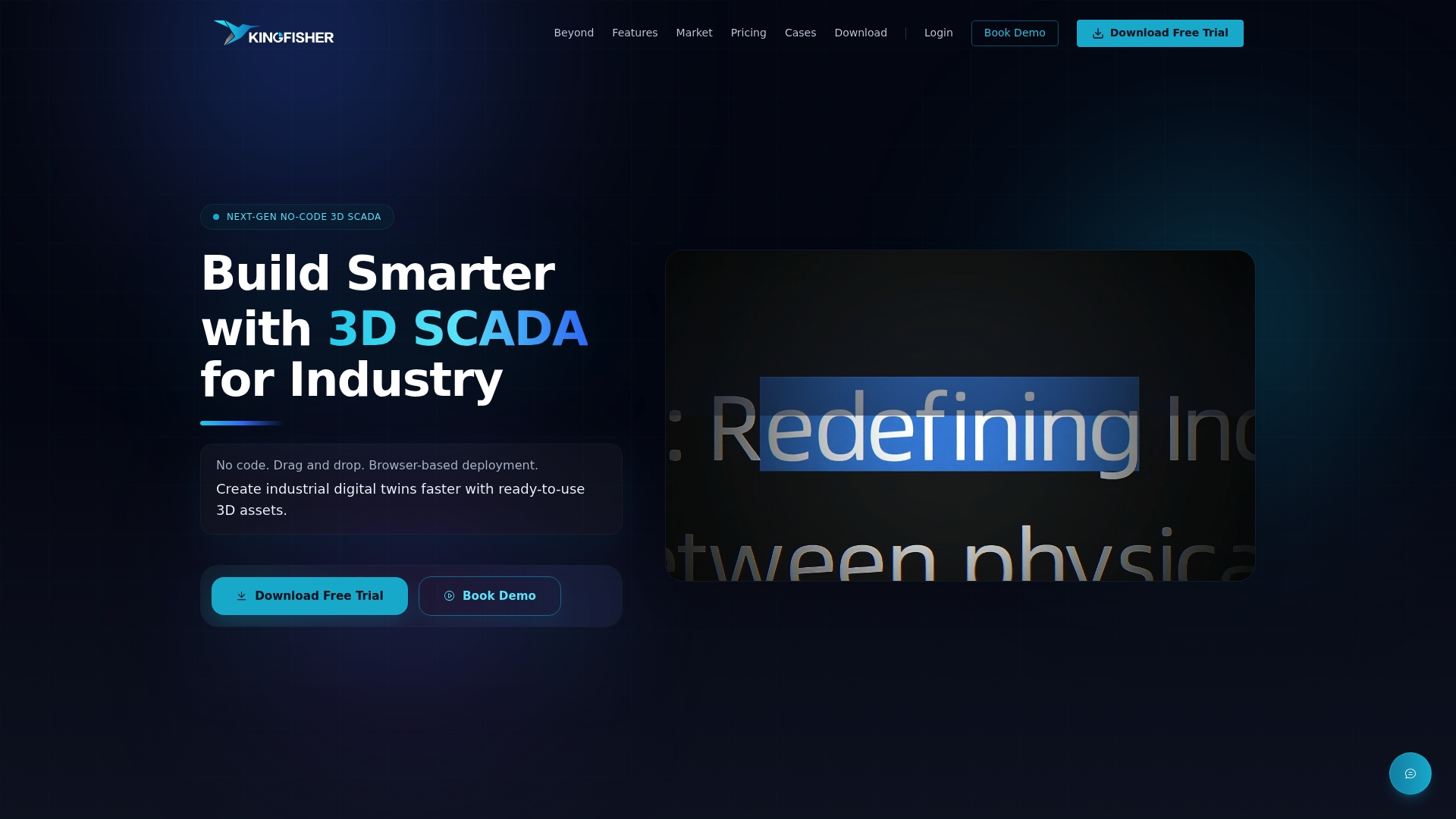
Because some platforms run in-browser with real-time data integration and include marketplaces of many ready-made components, changes that would normally need a scripting change window can be tested and pushed live in the same session. That's the difference that matters once your quarterly audit flags a setpoint that's drifted from the approved value. If you're planning a rationalisation rollout or an HMI refresh, take a look at the 3D SCADA platform and request a demo to see how your own Master Alarm Database maps onto a live 3D scene.
Standards and templates worth keeping on hand
Work from primary sources, not secondhand summaries, when you're drafting or auditing your own documentation.
- The core standard: ANSI/ISA-18.2-2016 and the wider ISA-18 series of technical reports.
- A practical companion explainer: Understanding and applying ISA-18.2.
- APD guidance and sample content: exida's alarm philosophy resources.
- Advanced technique reference: Emerson's white paper on dynamic alarming and shelving.
Sources
- Understanding and applying the ANSI/ISA-18.2 alarm management standard (ISA PAS)
- exida — Alarm philosophy and alarm management services
- Advanced alarming techniques — Emerson white paper
FAQ
What are the top SCADA software platforms for alarm management?
There's no single definitive ranking, since the right platform depends on your industry, existing infrastructure and protocol requirements. Look for ISA-18.2 alignment, Master Alarm Database support, and flexible HMI configuration, criteria Kingfisher 3D SCADA is built around for browser-based, no-code deployments.
What is the role of SCADA in security?
SCADA systems monitor and control physical infrastructure, and alarm management is part of that security posture because unmonitored or poorly configured alarms can mask genuine faults or intrusions. A well-rationalised alarm system, paired with proper access controls and MOC logging, makes unusual behaviour easier to spot quickly.
What is a SCADA monitoring system?
A SCADA monitoring system collects real-time data from field devices, PLCs and sensors, displays it to operators, and raises alarms when conditions fall outside approved limits. Alarm management is the discipline that makes sure those alarms are meaningful rather than just noisy.
Can SCADA work without a PLC?
Yes. SCADA can pull data directly from remote terminal units (RTUs), intelligent electronic devices, or other protocol-based sensors and controllers without a PLC in the loop, though many industrial sites use PLCs for local control alongside SCADA for supervisory monitoring and alarming.
How often should an alarm philosophy document be reviewed?
An annual review against real operating experience is the general practice, though any major process, equipment or organisational change should trigger an earlier review rather than waiting for the scheduled date.